



“I'm finally able to give equal coverage and exposure to all sports. It's been awesome for the community and taken pressure off of the Athletic Dept. The cost / value proposition is a no-brainer”
Erich Frombach
Athletic Director at Avon High School

With this content management system designed with school districts in mind, teams can create recaps, announcements, spotlights, and community updates in minutes. uReport’s high school sports app for storytelling was designed to streamline content generation with templates, community-submitted media, and review controls so your school publishes consistently and confidently.


uReport is now listed in the ISTE Learning Technology Directory - a vetted resource used by educators to identify high-quality digital learning tools. ISTE (International Society for Transformation in Education) is a leading global organization that sets the standard for effective use of technology in education.


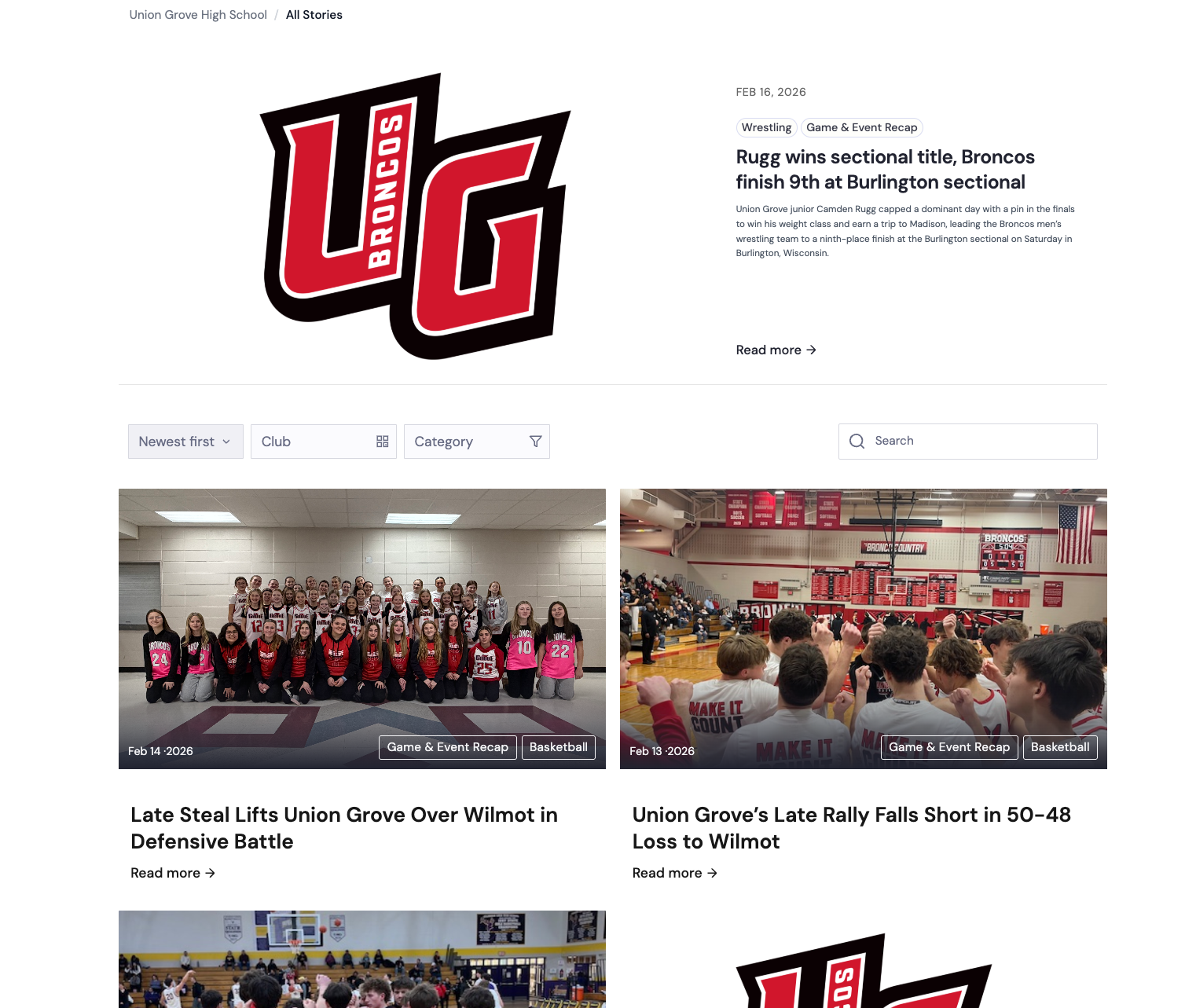
Choose a story type designed for your use case — events, updates, spotlights, and more.
Add key details, photos, and videos — or collect community-submitted media in one place. uReport structures your story so you’re not formatting from scratch.
Let AI help structure the story, refine tone and clarity, and reduce repetitive formatting work without losing your voice.
Keep feedback in one place and route stories through clear review steps and approvals — so nothing goes live by mistake.
Publish your story, then share across channels in one click — formatted and ready to engage your audience.
Built for teams that need to communicate clearly — with speed, consistency, and control.
Start with guided templates built for real school communication. Announcements, spotlights, recaps, and community updates.
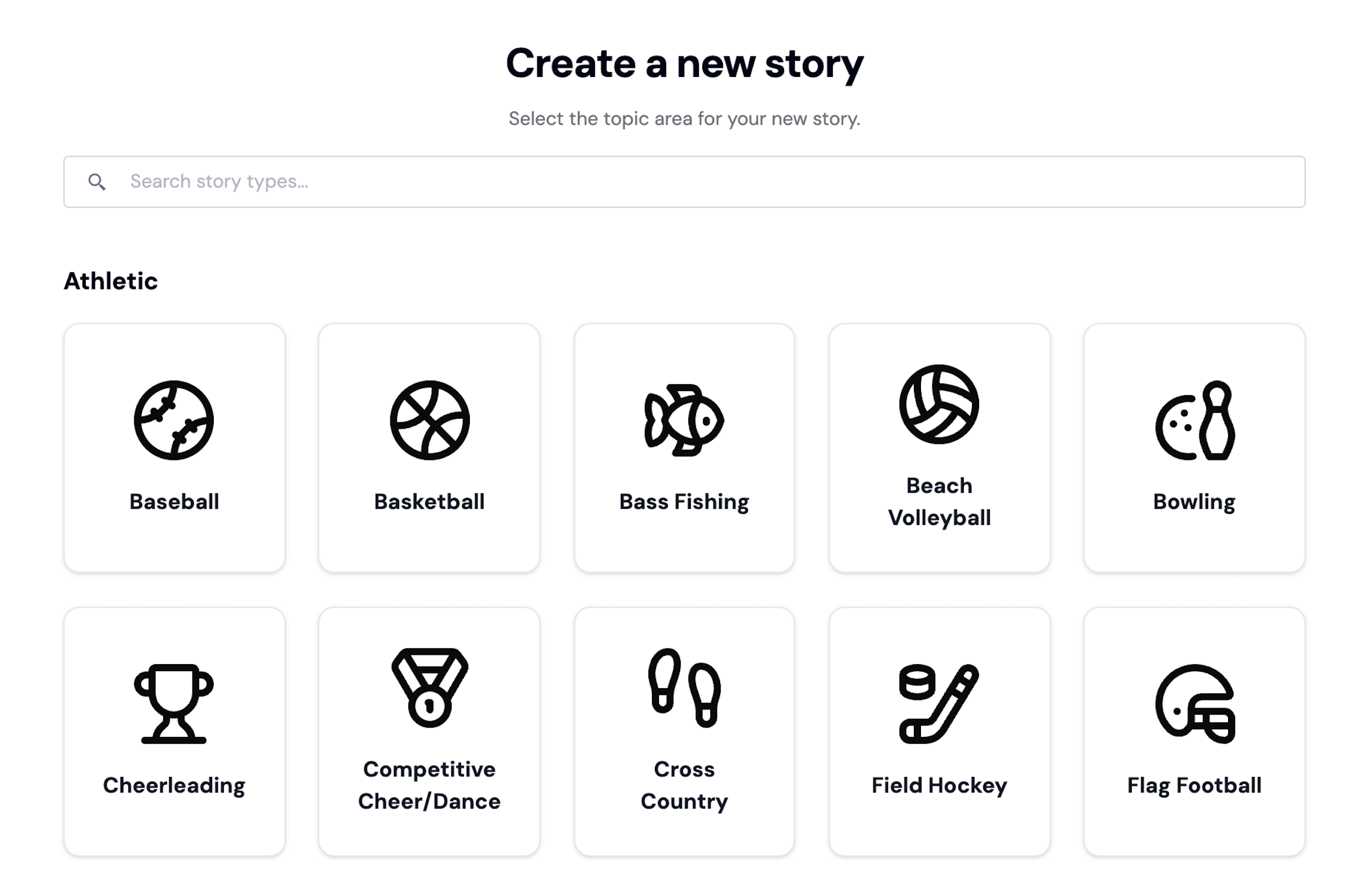
Roles, review steps, and approvals ensure the right people sign off before anything goes live.
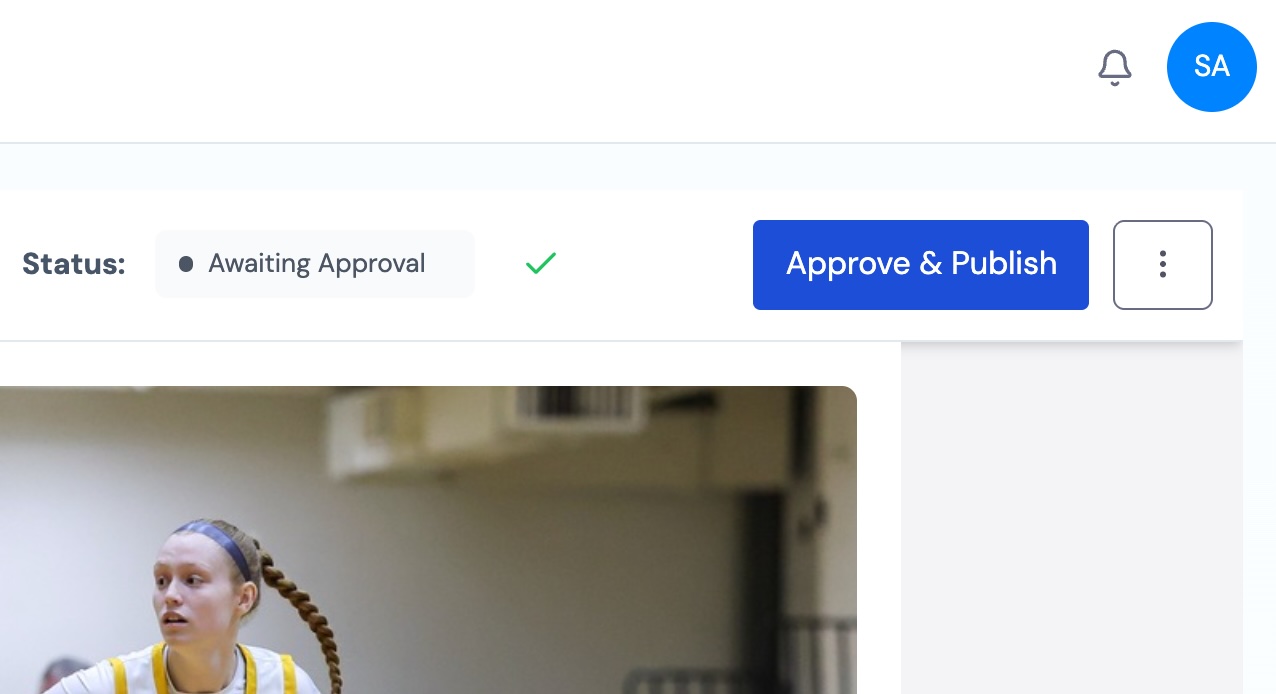
Keep voice, visuals, and standards consistent across departments, seasons, and student groups.
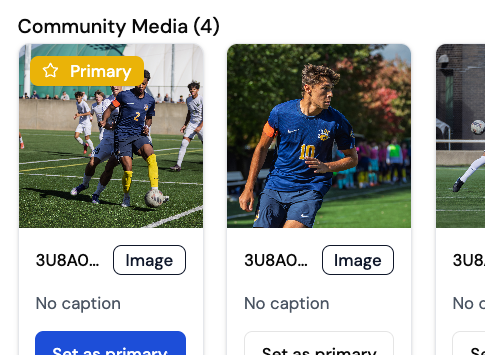
Collect photos and videos from families and students with full review control before anything is used.

“I'm finally able to give equal coverage and exposure to all sports. It's been awesome for the community and taken pressure off of the Athletic Dept. The cost / value proposition is a no-brainer”
The features schools use most to create, control, and publish stories.
Guided templates built for real-world storytelling — from idea to finished story, fast.
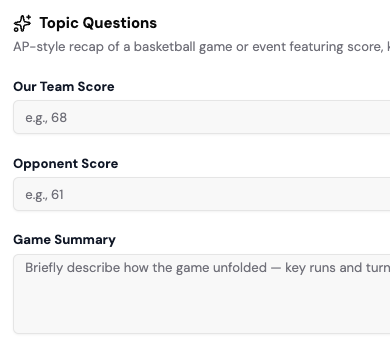
Collect and organize photos and videos from your community — with full review control.
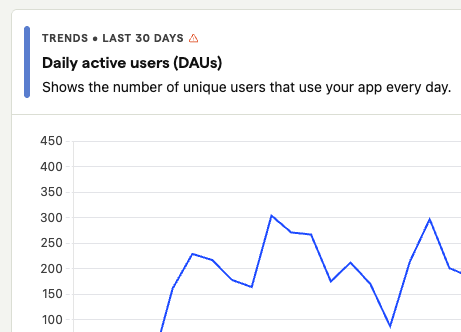
Understand how stories perform, where engagement comes from, and what resonates most — at a glance.
Let AI assist with structure, clarity, and formatting — while you keep your voice and control.
Start with a template, collect media, route it through review, then publish and share — all in one workflow.
Keep reviews in one place and move stories forward with clear ownership and fewer bottlenecks.
Clear roles and approvals so stories publish securely and nothing goes live by mistake.
Publish your story, then share across channels — without copying, pasting, or reformatting.
Built-in guardrails to ensure every story reflects your organization’s voice, visuals, and standards.
Start your free trial and see how uReport helps schools move from idea to published story — with speed, consistency, and control.

High school athletic departments and communications teams use uReport to publish game recaps, student spotlights, event updates, and program announcements. Templates and guided workflows help staff publish consistently without a dedicated media team.
Yes. uReport supports configurable review steps so administrators, ADs, or communications leads can approve stories before they go live. Nothing publishes without the right sign-off.
Yes. Roles and brand consistency controls let different departments and staff members contribute while keeping every story on voice, on brand, and on standard.
Yes. Community Media lets parents and students submit photos and videos directly to your team. Nothing is published until it has been reviewed and approved.
No. AI assists with structure, formatting, and clarity. It does not write for you. Your staff adds the details and voice; the platform helps shape it into a finished story.
Yes. Once a story is published, one-click sharing lets you distribute across social media, email, and your website, already formatted for each channel.
Yes. Analytics show story performance and engagement so you can see what resonates.
Yes. Community Media lets families and students submit photos and videos, and nothing is used until it’s reviewed and approved — giving you full control over what gets published.
Yes. Templates and brand consistency controls help ensure every story follows your school’s standards — no matter who creates it or which department it comes from.
All plans include access to help documentation and support. Higher-tier plans include priority support and onboarding assistance.
Yes. uReport has earned the 1EdTech Data Privacy Certification and carries the Safety Validation designation within the ISTE+ASCD EdTech Index — independent recognition of our commitment to protecting student and educator data through transparent privacy practices and compliance with established educational data privacy standards.