



“uReport helps us keep families informed and spotlight more students — without adding more work for our team.”
Activities Director
East Alton

Create announcements, event recaps, and student spotlights in minutes with templates, community-submitted media, and review controls so your school publishes consistently across activities and programs.

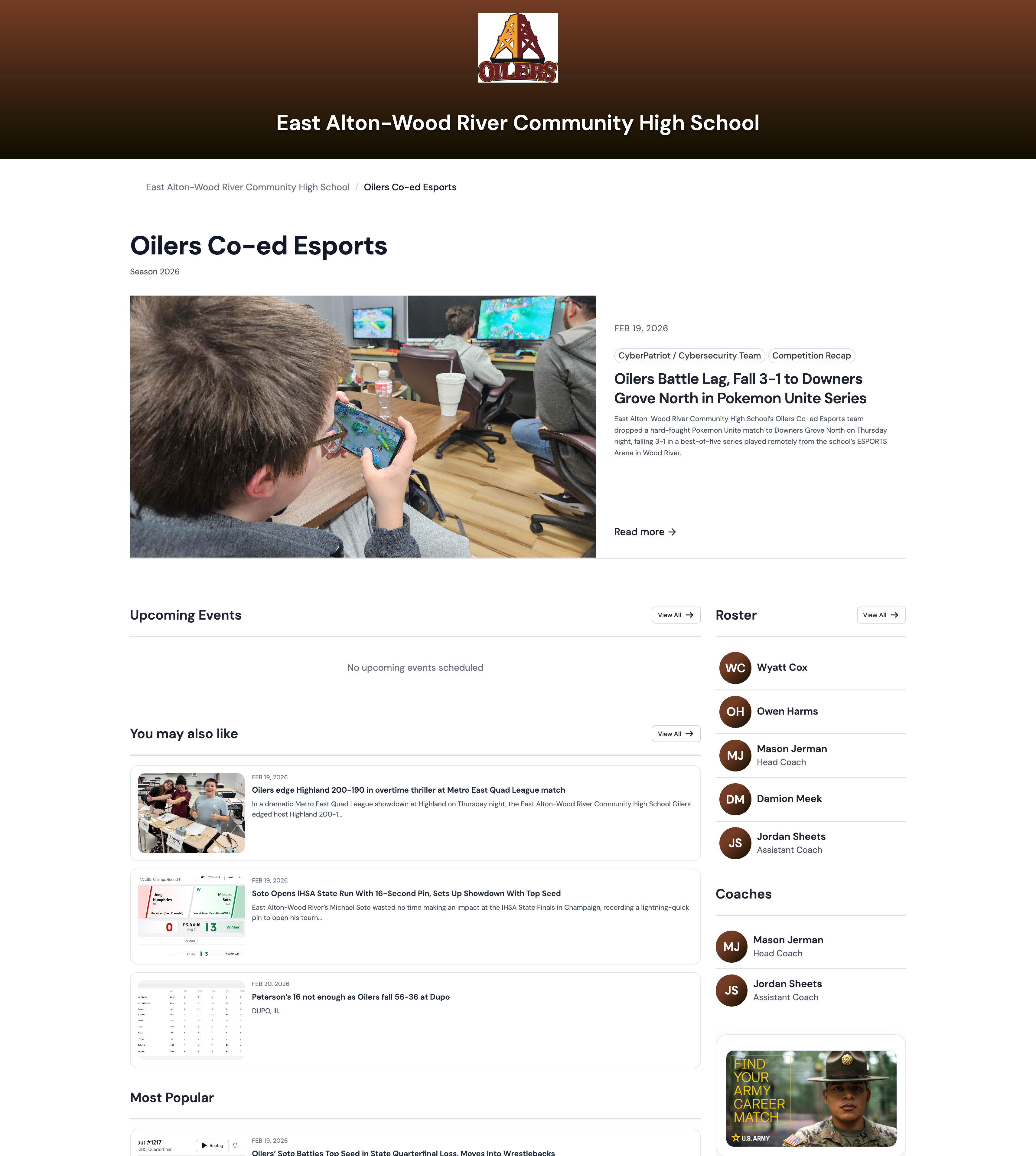
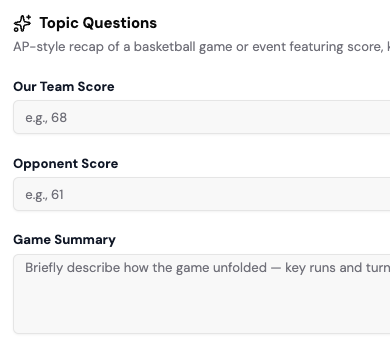
Choose a story type for your use case — announcements, event recaps, spotlights, and updates.
Add key details, photos, and videos — or collect community-submitted media in one place. uReport structures your story so you’re not formatting from scratch.
Let AI help structure the story, refine tone and clarity, and reduce repetitive formatting without losing your voice.
Keep feedback in one place and route stories through review steps and approvals so nothing goes live by mistake.
Publish your story, then share across channels in one click — formatted and ready to engage students, families, and your community.
Built to help schools communicate clearly — with speed, consistency, and control.
Start with guided templates built for real school communication — announcements, spotlights, recaps, and community updates.
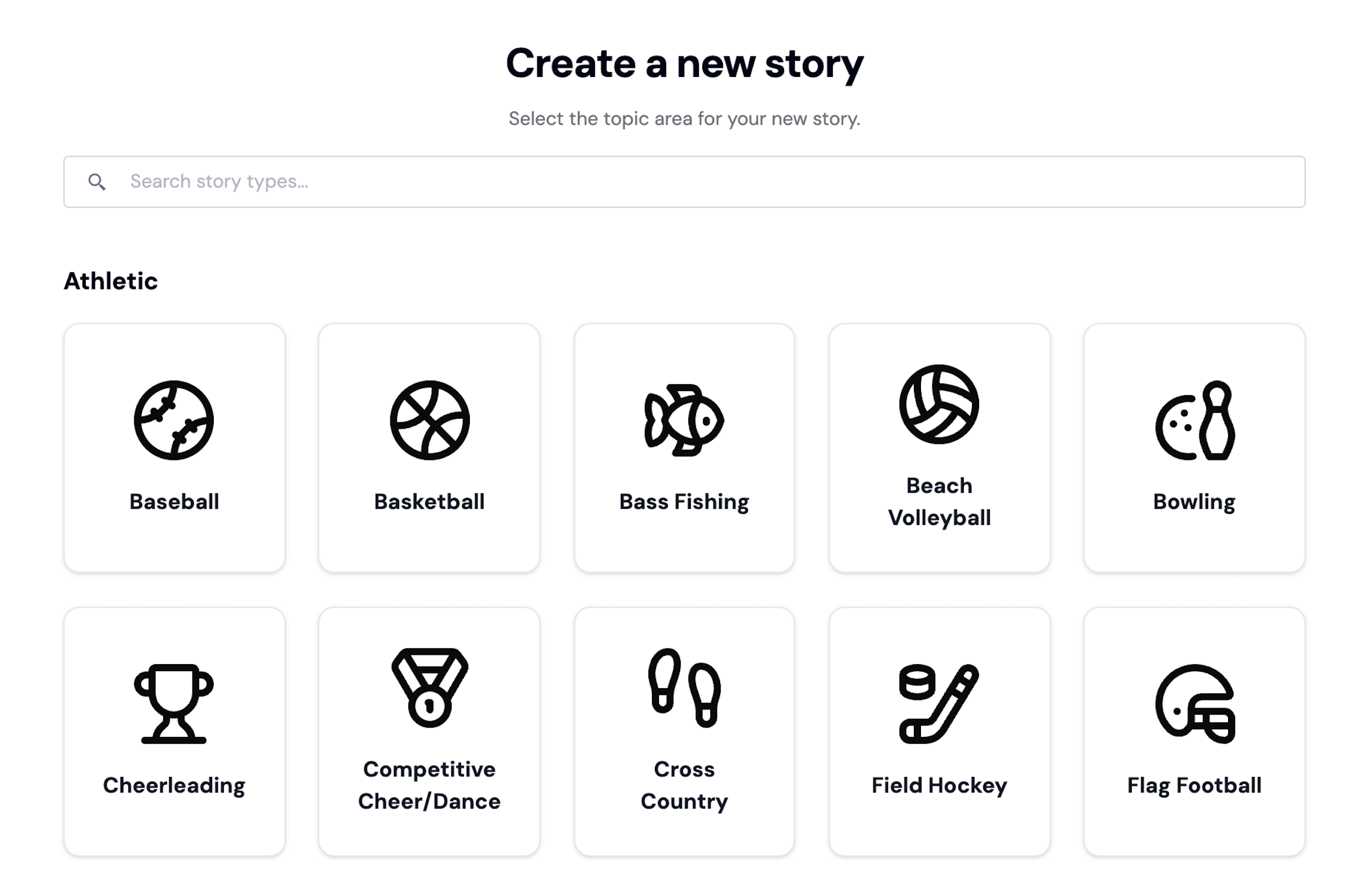
Roles, review steps, and approvals ensure the right people sign off before anything goes live.
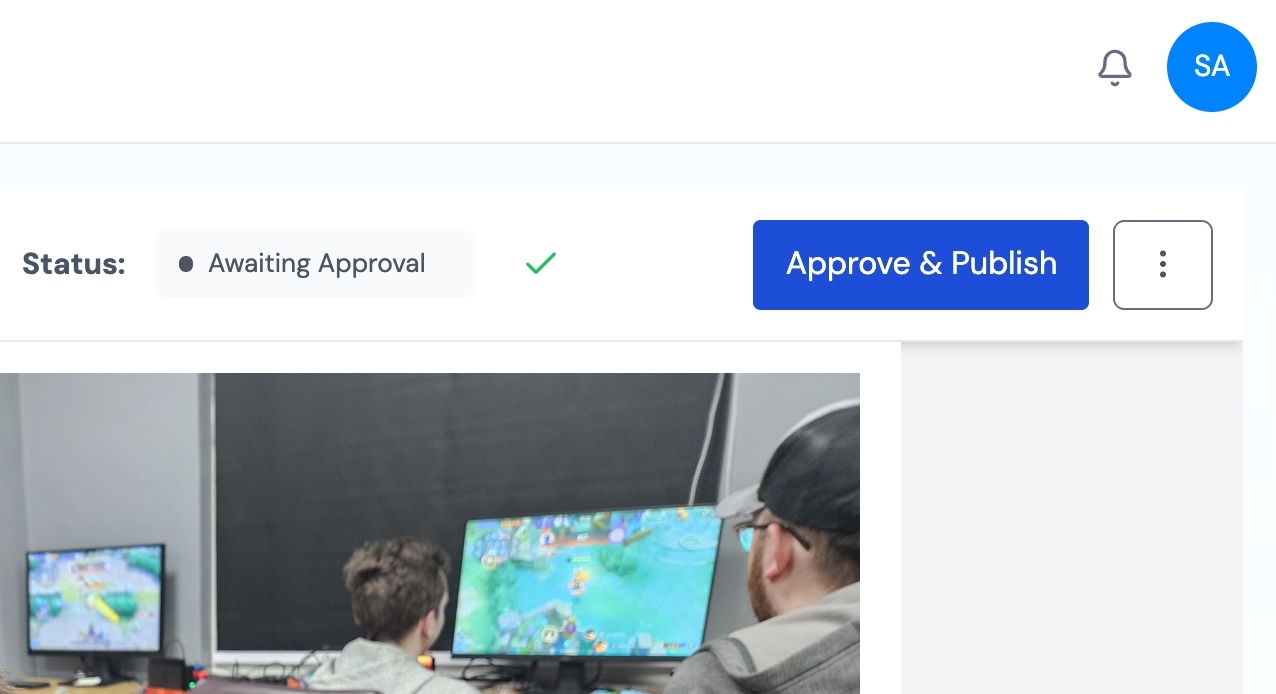
Keep voice, visuals, and standards consistent across clubs, activities, and school programs.
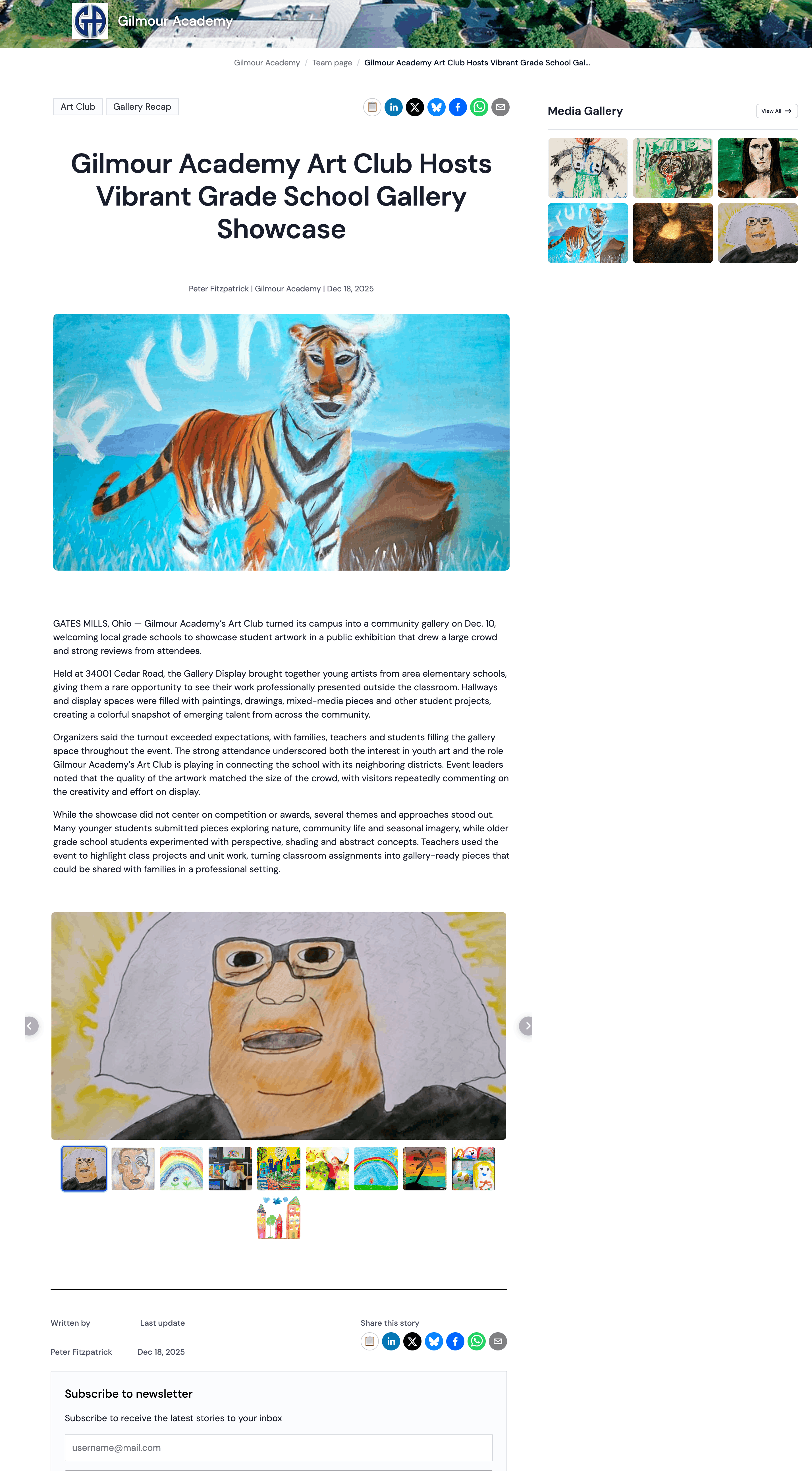
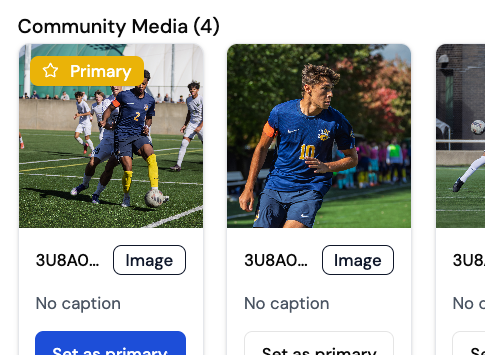
Collect photos and videos from families, students, and staff — with full review control before anything is used.
uReport is now listed in the ISTE Learning Technology Directory - a vetted resource used by educators to identify high-quality digital learning tools. ISTE (International Society for Transformation in Education) is a leading global organization that sets the standard for effective use of technology in education.


“uReport helps us keep families informed and spotlight more students — without adding more work for our team.”
The features schools use most to create, control, and publish stories across activities and programs.
Guided templates built for real-world storytelling — from idea to finished story, fast.
Collect and organize photos and videos from your community — with full review control.
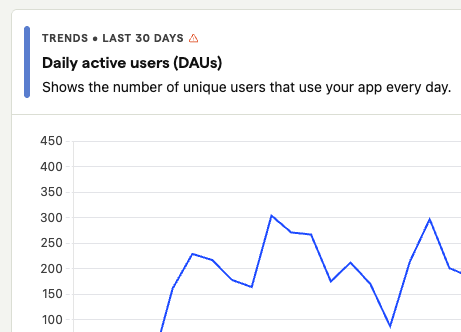
Understand how stories perform, where engagement comes from, and what resonates most — at a glance.
Let AI assist with structure, clarity, and formatting — while you keep your voice and control.
Built-in guardrails to ensure every story reflects your organization’s voice, visuals, and standards.
Keep reviews in one place and move stories forward with clear ownership and fewer bottlenecks.
Clear roles and approvals so stories publish securely and nothing goes live by mistake.
Publish your story, then share across channels — without copying, pasting, or reformatting.
Start your free trial and see how uReport helps schools publish more consistently across activities and programs — with speed, consistency, and control.

Schools use uReport to cover the full range of student life beyond athletics, from performing arts and student government to clubs, academic programs, and community events. Templates and guided workflows help activities directors and advisors publish consistently without a media team.
Yes. Each program or department can have its own approvers and review steps. You control who can publish, who reviews, and what goes live, across every activity.
Yes. Roles let multiple contributors work on stories at the same time without stepping on each other. Advisors review and approve before anything is published.
Yes. Community Media lets families and students submit photos and videos. Your team reviews everything before it's used in a story.
No. AI helps with structure and formatting, not voice. Your staff provides the details and the platform helps turn them into a complete, ready-to-publish story.
Yes. Once published, stories can be shared to social media, email, and your school website in one click, no copying or reformatting needed.
Yes. Analytics show story performance and engagement so you can see what resonates.