


“We for sure want in. Love the product, and I think it will make our lives much easier.”
Brandon Perry
Athletic Director at Johnson University

With uReport’s college content management system, athletic departments can reate professional recaps, announcements, spotlights, and community updates. Leverage templates, community media, and built-in review controls to streamline storytelling and publish with confidence.


uReport is now listed in the ISTE Learning Technology Directory - a vetted resource used by educators to identify high-quality digital learning tools. ISTE (International Society for Transformation in Education) is a leading global organization that sets the standard for effective use of technology in education.


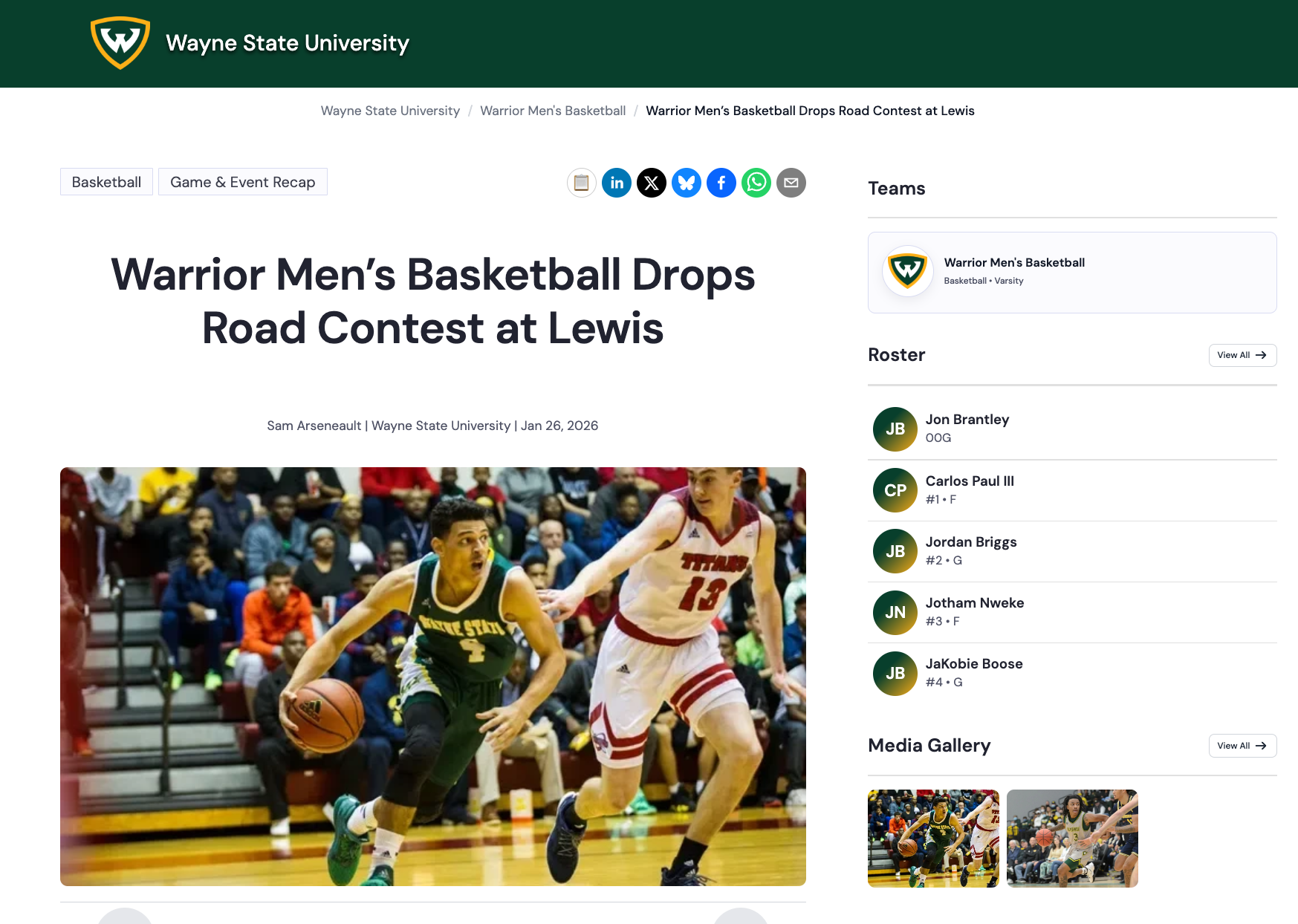
Choose a story type designed for your use case — events, updates, spotlights, and more.
Add key details, photos, and videos — or collect community-submitted media in one place. uReport structures your story so you’re not formatting from scratch.
Let AI help structure the story, refine tone and clarity, and reduce repetitive formatting work without losing your voice.
Keep feedback in one place and route stories through clear review steps and approvals so nothing goes live by mistake.
Publish your story, then share across channels in one click. Formatted and ready to engage your audience.
Built for teams that need to communicate clearly — with speed, consistency, and control.
Guided templates make it easy to publish recaps, announcements, and spotlights in minutes not hours.
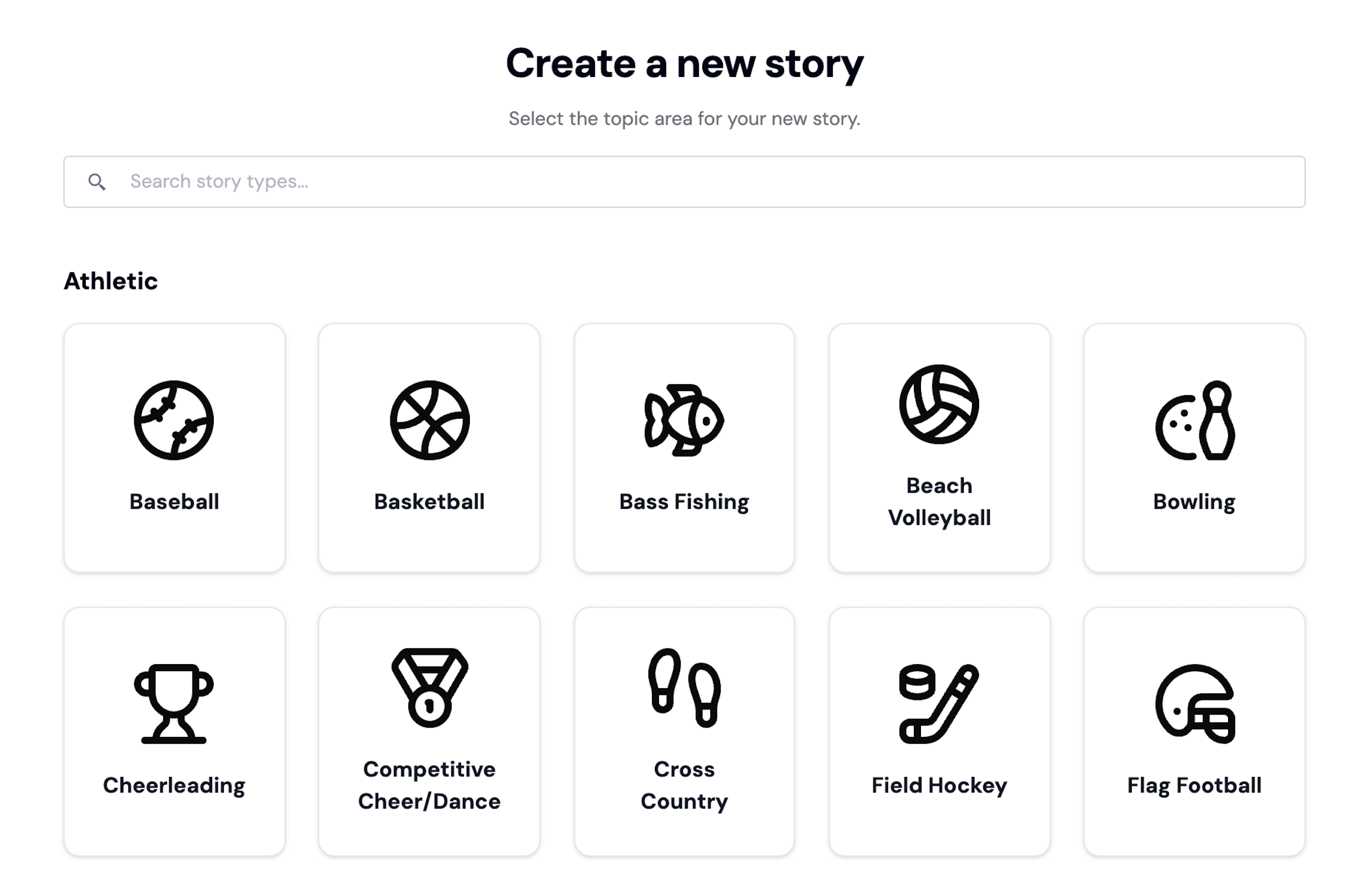
Roles, review steps, and approvals ensure the right people sign off before anything goes live.
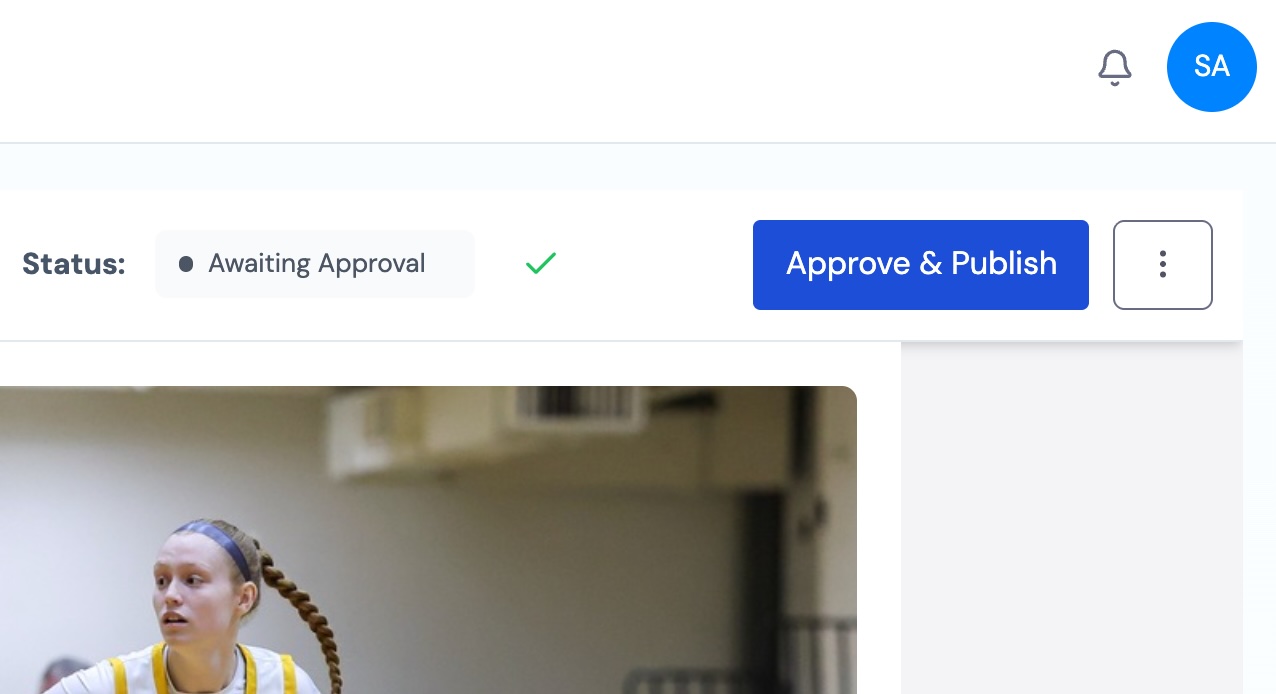
Keep voice, visuals, and standards consistent across teams and seasons no matter who creates the draft.
Host your story, then share across channels without reformatting, formatted and ready to engage fans and families.
“We for sure want in. Love the product, and I think it will make our lives much easier.”
The features athletic departments use most to create, control, and publish stories.
Guided templates built for real-world storytelling — from idea to finished story, fast.
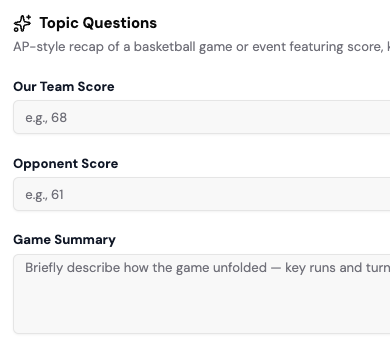
Let AI assist with structure, clarity, and formatting — while you keep your voice and control.
Keep reviews in one place and move stories forward with clear ownership and fewer bottlenecks.
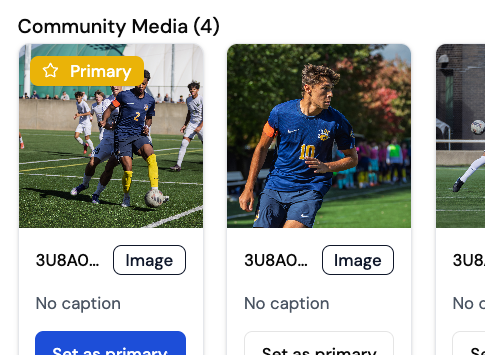
Collect and organize photos and videos from your community — with full review control.
Publishing & Sharing
Publish your story, then share across channels — without copying, pasting, or reformatting.
Analytics & Insights
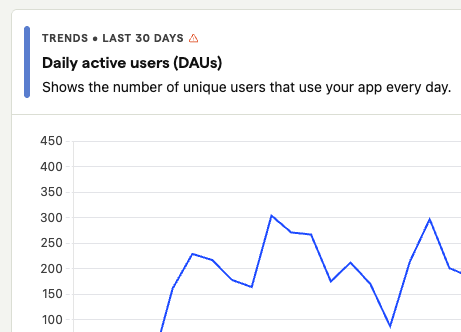
Understand how stories perform, where engagement comes from, and what resonates most — at a glance.
Built-in guardrails to ensure every story reflects your organization’s voice, visuals, and standards.

Clear roles and approvals so stories publish securely and nothing goes live by mistake.

Share updates instantly with the community
Allow teams to work together seamlessly across departments, ensuring messages are accurate and unified in tone and content

Gain insights into community engagement, helping you tailor messages to better meet residents’ needs and enhance participation


Start your free trial and see how uReport helps collegiate athletics teams move from idea to published story — with speed, consistency, and control.

Athletic departments use uReport to publish game recaps, player spotlights, event announcements, and season updates. Guided templates help staff go from idea to published story in minutes, with built-in review and approval so nothing goes out without the right sign-off.
Yes. uReport lets you define review steps and assign approvers so every story goes through the right people before it goes live. You control who can publish and who can only draft or review.
Yes. Guided templates make it easy for anyone on your staff to start and complete a story without training. Roles control what each person can do, so contributions move forward without creating bottlenecks.
Yes. Community Media lets families, students, and fans submit photos and videos directly. Nothing is used until it has been reviewed and approved by your team.
Yes. Brand consistency controls ensure every story follows your department's voice, visual standards, and structure, regardless of who creates it.
Yes. Once a story is published, you can share it across social media, email, and your website in one click, formatted and ready to post, without copying and pasting.
Yes. Analytics show story performance and engagement so you can see what resonates.