
Platform Updates
Events: Auto-Create Your Schedule When You Add a Team
Events: Auto-Create Your Schedule When You Add a Team
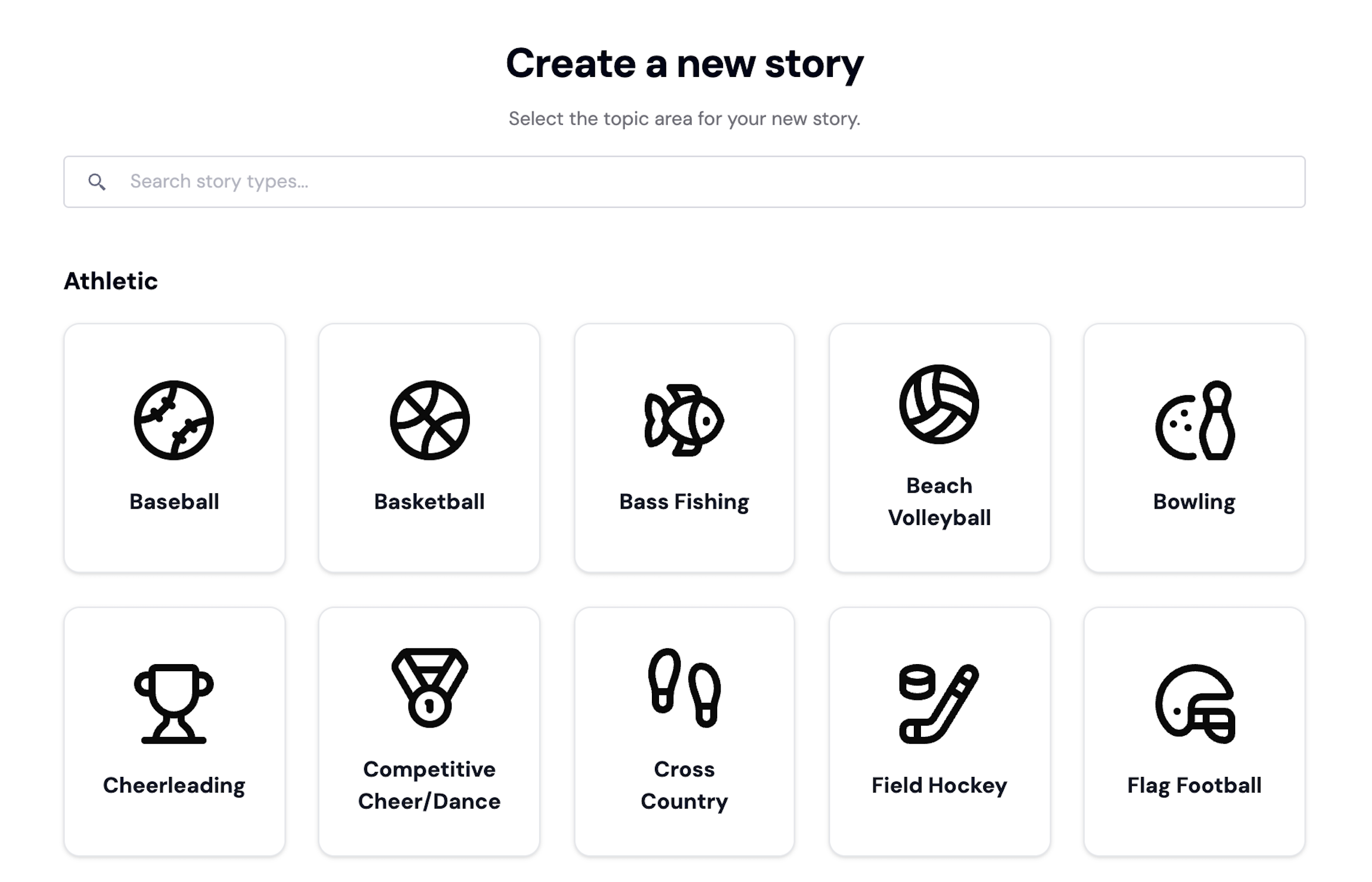
Publishing becomes easier when coverage starts from a schedule. uReport now supports auto-created Events as part of Team setup, so you can begin working from a structured calendar right away.
What’s new
When you create a Team, uReport can automatically generate Events for that Team. Those Events then become the anchor for repeatable story workflows like previews, recaps, and updates.
How teams use Events
- Previews: Build consistent pre-event content tied to a specific date and opponent/location.
- Recaps: Publish post-event coverage that stays connected to the right Event in your archive.
- Media organization: Keep photos and videos aligned to the correct Event (especially when collecting community media).
- Season navigation: Make it easier for readers to browse coverage by Event rather than hunting for links.
Why this matters
- Less manual setup before you can publish
- Cleaner archives as content volume increases
- More consistent output across a season
Support note
If Events don’t appear right away after Team creation, the most common cause is missing team context during setup. Updating team details and re-running setup typically resolves it.
Start amplifying your community’s voice
Start sharing your community's stories with our intuitive and powerful storytelling platform
