


"uReport gives SIDs a simple way to expand their storytelling without adding more to an already overloaded staff."
Jeremy Guy
Associate Commissioner for Communications, Mid-American Conference



Content creation for college athletes is an essential way to build community and showcase your team’s wins and stories, but the added labor of story generation and publishing is a challenge for many SIDs with shrinking resources. NCAA participation reached an all-time high in 2024-25, with more than 550,000 student-athletes competing and schools sponsoring a record 19,928 championship teams. Communications staff around the country have not grown to match.
A 2024 study in the Journal of Intercollegiate Sport found that a review of Division II staff directories showed most institutions operate with a one-person sports information office, and that prior research found SIDs feel overworked and underappreciated. The same study noted that adding staff may not be feasible within existing budgets. That pressure is extending both higher up the NCAA conference hierarchy and to lower levels as well.
So departments triage. The teams that draw crowds get covered. Everyone else waits, and the stories that would have connected with families, alumni, and recruits never get written. "Why aren't we covering the crew team?" is a question nearly every athletic director has heard.
That pressure created a category. This guide explains what sports information director software is, how to evaluate the options, what it costs, and what changes in a department that adopts it. It also explains where uReport fits, since that's the platform we built.
The category covers a few distinct jobs, and most tools handle only one or two of them:
Writing assistance. Turning notes, scores, and stats into publishable copy. General-purpose AI writing tools live here, though they know nothing about your roster, your schedule, or AP style for a volleyball match.
Publishing and content management. Getting stories onto your site with consistent formatting and a permanent home. Traditional CMS platforms handle this and nothing upstream of it.
Media collection and management. Gathering photos and video from games, organizing them, and attaching them to the right story and the right athlete.
Distribution. Pushing finished content to social channels without manual reposting in four places.
Measurement. Knowing which stories and which programs actually drew an audience.
The friction for most departments comes from the seams. A writing tool that doesn't know your roster means retyping names. A CMS that doesn't connect to your media library means a separate upload step. A workflow with four tools means four logins and four places for a story to stall.
A content creation platform for college athletics should be built to close those seams, so the next few minutes carry a story from event to published and shared. That's the design uReport follows.


uReport is now listed in the ISTE Learning Technology Directory - a vetted resource used by educators to identify high-quality digital learning tools. ISTE (International Society for Transformation in Education) is a leading global organization that sets the standard for effective use of technology in education.


Use these with any vendor. We've included how uReport answers each, so you can compare directly.
The people creating content are SIDs, communications staff, coaches, and student assistants, and the last group turns over every year. If a platform takes real training, adoption stalls by October.
Ask: How long until a new student worker can publish independently? Does it work on a phone at the venue?
uReport: A guided Content Creation Studio walks each contributor through a story type with structured prompts. Most departments have student assistants publishing on their first or second attempt, on desktop or mobile.
Coverage equity is the reason most departments start looking. A tool that handles football well and rowing poorly hasn't solved the problem.
Ask: Which sports are supported? What about activities outside athletics? Can we create custom story topics?
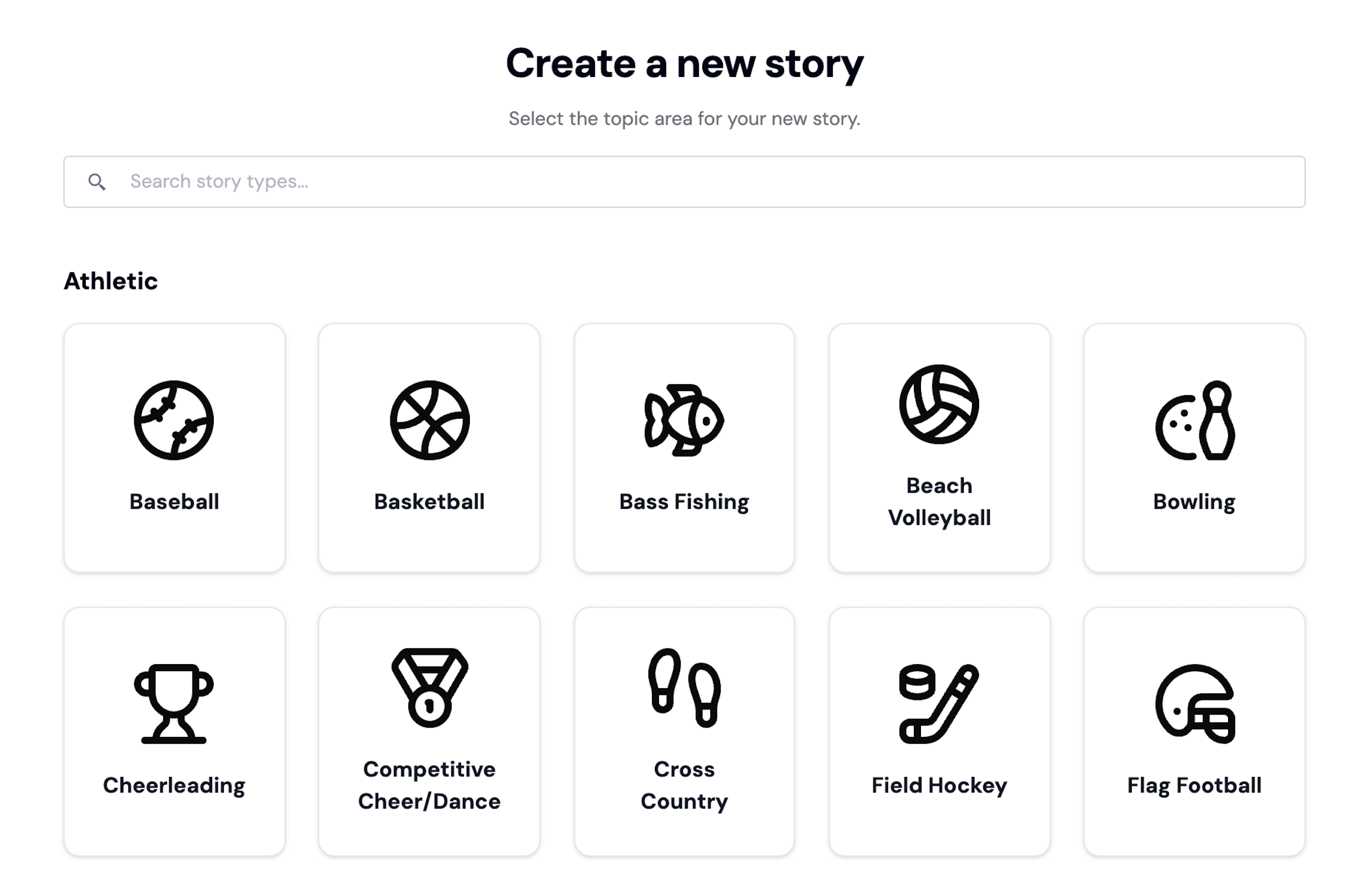
uReport: Every sport and activity works the same way, with custom topics you define. Repeatable story formats keep a swim meet recap as polished as a basketball recap.
Retyping roster information game after game is where the time savings evaporate.
Ask: Can we upload rosters and schedules once? Does the system remember athlete details? Can it read our stat files?
uReport: Add a team and its schedule of events is generated automatically. AI structures roster data like names, jersey numbers, and positions from your uploads. Game data can be imported in a range of formats, with AI producing structured stat output you can use directly in a story.
This is the question SIDs care about most, and it's where AI tools vary widely.
Ask: Can we edit before publishing? Is there an approval step? Can we set the tone and voice? Does anything publish automatically?
uReport: Every draft is fully editable, tone is selected before generating, and built-in review and approval workflows mean nothing is published without sign-off. Roles and permissions control who can create, review, approve, and publish.
A story nobody sees may as well not exist.
Ask: Does publishing and social distribution happen in one step? Do we get engagement data, and at what level of detail?
uReport: Publish to your branded content library and distribute across channels in one step, with share-ready links. Analytics track story performance and audience engagement in real time, with advanced analytics on higher tiers.
Your IT office will ask before you finish evaluating, so ask first.
Ask: What third-party certifications does the vendor hold? How is student and institutional data handled? Is there documentation our review process can use?
uReport: The platform is listed in the ISTE Learning Technology Directory and holds the 1EdTech TrustedEd Apps Certification for Data Privacy. uReport’s Trust Center documents security and compliance details.
Per-seat and per-story pricing punishes exactly the behavior you're trying to encourage.
Ask: Is pricing per user, per story, or flat? What happens to our bill when we add coaches and student workers? Is pricing published?
uReport: Published annual pricing, unlimited stories on every plan, and unlimited users from the Core tier up. The full breakdown is below.

Every athletic communications office evaluating AI tools runs into the same three concerns. They're worth addressing directly.
Tone selection happens before generation, and every draft is editable afterward. The voice of your department comes from your staff making final decisions, not from a model's defaults.
Nothing publishes without human approval. The workflow assumes a person reads every story, which is also what makes it safe to let coaches and student assistants draft.
uReport pairs responsible AI with human oversight specifically to preserve editorial accuracy, institutional voice, and data privacy. The ISTE listing and 1EdTech TrustedEd Apps Certification for Data Privacy give your technology review something concrete to evaluate.

"uReport gives SIDs a simple way to expand their storytelling without adding more to an already overloaded staff."

Share updates instantly with the community
Allow teams to work together seamlessly across departments, ensuring messages are accurate and unified in tone and content

Gain insights into community engagement, helping you tailor messages to better meet residents’ needs and enhance participation


Budget is where most sports information director software evaluations stall, sometimes because vendors won't publish numbers. Before comparing any two platforms, settle three things: whether pricing is per user or flat, whether story volume is capped, and whether the quoted figure covers all your programs or only the ones you name.
uReport publishes its pricing. Every plan includes unlimited stories, and current college pricing breaks into three tiers:
All plans include uReport’s core publishing tools. Choose the plan that fits your organization’s size, structure, and goals.
A Monetize tier adds advertising and sponsorship tools alongside advanced analytics, for departments that want their content to generate revenue rather than only visibility.
Enterprise plans cover conferences, districts, and parent organizations managing multiple institutions under one umbrella, with custom onboarding, dedicated support, and custom integrations. Pricing is based on organization size and needs.
Adding coaches, student assistants, and staff costs nothing from Core up, so your cost doesn't rise as your coverage expands. Set against a communications staff position or contracted freelance coverage, a full-department subscription is a small fraction of the budget.
Sign up, watch for your activation email, then log in with your institutional email and set up your account.
Add your teams and upload rosters, schedules, and bios. Events generate automatically. This step pays off all season, so do it carefully at the start.
Most departments start with a game recap. Plan about 10 minutes for the first one and less after that.
Set your header artwork and brand standards so your content library matches your institution before you publish publicly.
Add coaches, staff, and student assistants with the permissions you want them to have. Student workers pick up SID software quickly, which is how many departments extend coverage to sports their full-time staff can't reach.
Onboarding assistance is included on higher-tier plans, with help documentation and support across all plans.
Yes. uReport supports invoicing and purchase orders for schools, districts, and organizations on eligible plans.
No long-term contract is required. Enterprise plans may include custom terms based on organizational needs.
Yes. You can upgrade at any time as your coverage grows, and the team can adjust your setup for special requirements.
Yes. Your plan remains active through the end of the billing period.
No charges incur unless you choose a plan and enter payment details. Your content remains available during the trial.
Starter covers one team or activity. Core and Complete cover multiple sports and activities within a single organization. Enterprise supports multiple organizations, including conference-level setups.
Yes. Analytics show story performance and engagement so you can see what resonates.
The first month is about habits. Departments that succeed pick two or three sports beyond their usual coverage and commit to publishing something for each. That's when the workflow stops feeling like a new task and becomes part of the postgame routine.
By midseason, most departments have delegated. Coaches submit details for their own teams, student assistants handle recaps, and the SID shifts from writing everything to reviewing and approving. The approval workflow makes that delegation safe. Analytics start showing which programs and story types draw engagement, which helps you decide where to spend attention.
By the end of the year, you have a complete season archive covering every program, which becomes a recruiting asset, a development tool, and a record your alumni can find years later.
Over multiple seasons, the advantage compounds. Rosters and team structures carry forward, your staff gets faster, and your coverage footprint grows without new hires. Your athletic communications platform keeps developing, and monetization tools open the door to sponsored content that can offset the cost of the program itself.
See It for YourselfThe fastest way to evaluate any sports information director software is to use it on your own teams for a few weeks and see the difference it can make in leveling up your process for content creation for college athletes. Explore a free trial, see how it works, or read more about what uReport offers collegiate athletic departments.
Related reading: How Athletic Director Software Drives Engagement and Builds Community